SCPH-70012 BIOS: Model, Region, and File Details (scph-70012.bin)
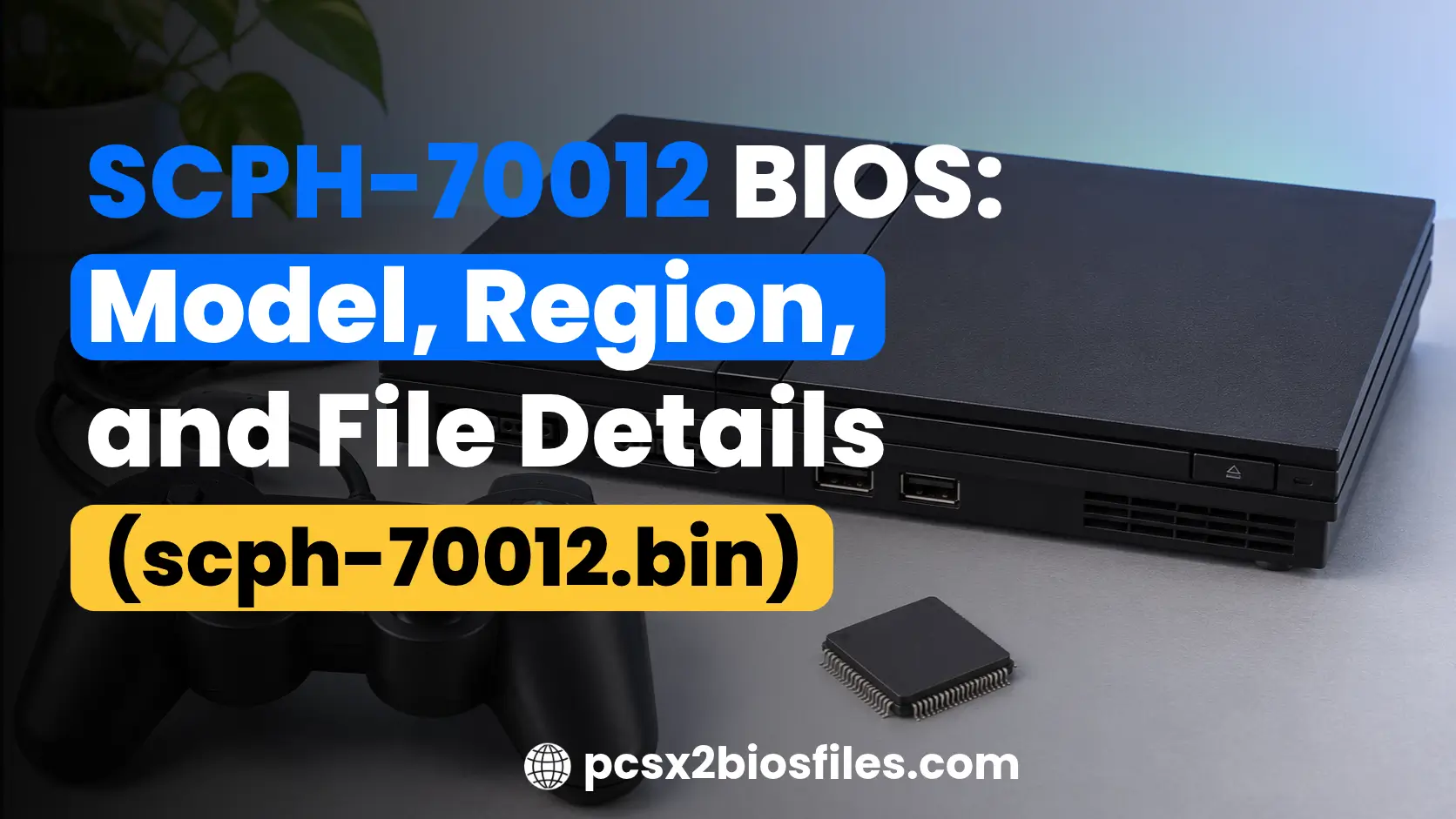
The SCPH-70012 is a PlayStation 2 Slim model released for the United States. Its BIOS contains the system software that starts the console and handles basic system functions. The filename scph-70012.bin commonly identifies a BIOS file associated with this model.
SCPH-70012 is the console’s model number. The BIOS has its own version, region, and build date, which you can check through an emulator such as PCSX2. These details help identify the file, since its filename alone cannot confirm its contents.
What is the SCPH-70012 BIOS?
The SCPH-70012 BIOS is the system firmware associated with the United States version of the SCPH-70012 PlayStation 2 Slim. It runs when the console starts, initializes the hardware, and provides the system menu for accessing memory cards and console settings.
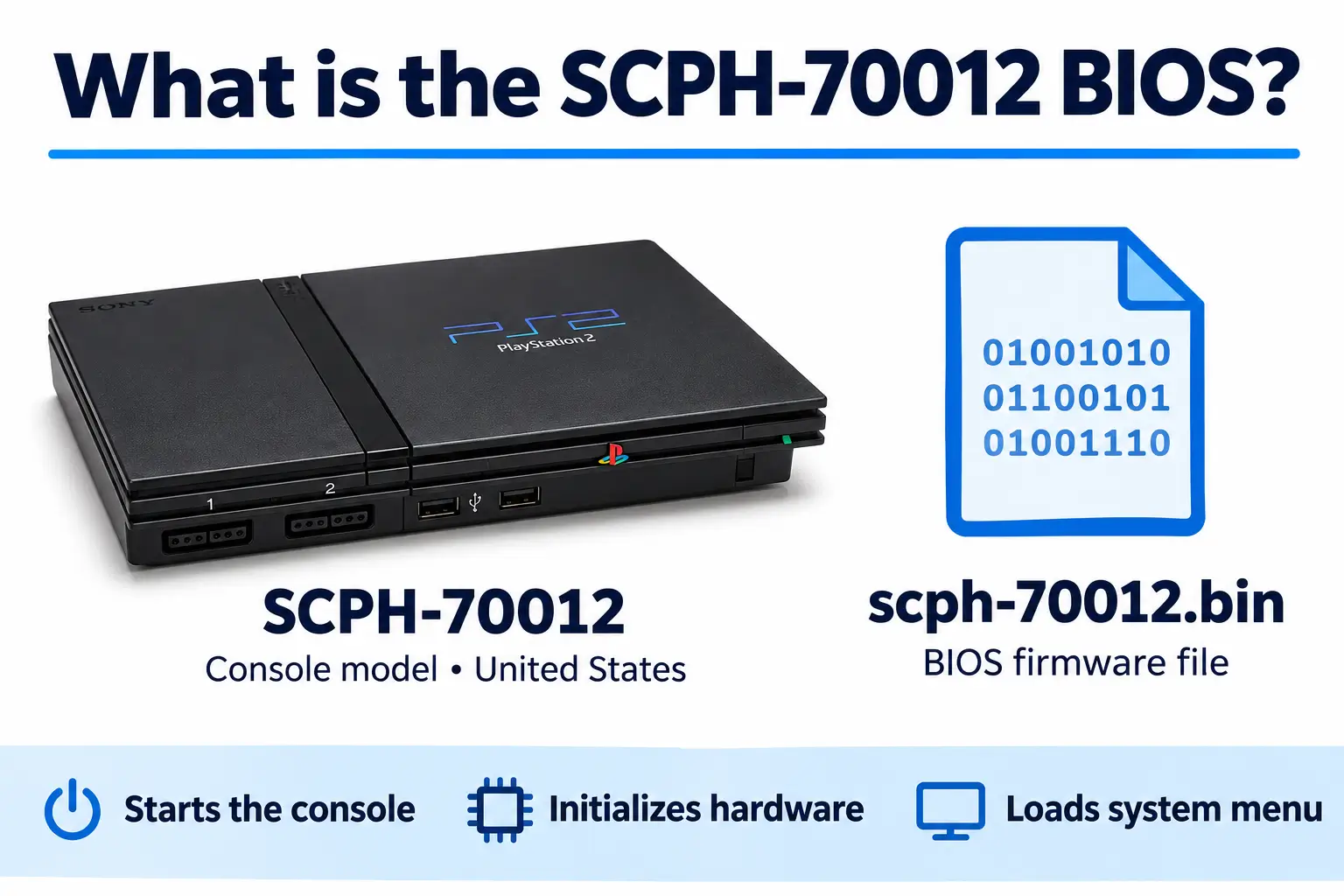
SCPH-70012 is the console’s model number, while scph-70012.bin is a filename commonly used for its BIOS file. The .bin extension indicates a binary file. The model number and filename help identify the BIOS, though the file’s internal information confirms its version and region.
SCPH-70012 BIOS file details
The commonly documented SCPH-70012 BIOS revision is USA v2.00, dated June 14, 2004. Its main binary file is 4,194,304 bytes (4 MiB). Use the details below to identify this specific revision.
| File detail | Information |
|---|---|
| Console model | Sony PlayStation 2 SCPH-70012 |
| Hardware family | PS2 Slim, SCPH-700xx series |
| Region | United States / North America |
| Video standard | NTSC-U/C |
| BIOS version | v2.00 |
| Internal ROM date | June 14, 2004 |
| File format | Binary (.bin) |
| Exact file size | 4,194,304 bytes (4 MiB), uncompressed |
| Common filenames | scph-70012.bin, SCPH-70012_BIOS_V12_USA_200.bin |
| Revision-based filename | ps2-0200a-20040614.bin |
| MD5 checksum | d333558cc14561c1fdc334c75d5f37b7 |
The documented USA revision is also associated with SCPH-70001 and SCPH-70011 consoles. Its regional identifier is A, which denotes the American firmware variant.
Filenames can change without changing the file’s contents. Confirm the version and region detected by your emulator, then compare the checksum with the reference above. A matching filename or file size alone does not confirm the revision.
For download options, PCSX2 BIOS Files lists USA, Japan, and Europe BIOS selections alongside setup instructions. Check the individual file’s details against this table before selecting the SCPH-70012 version.
Which region is SCPH-70012?
SCPH-70012 is a United States PlayStation 2 Slim model, classified as NTSC-U/C. This designation identifies the North American region and its NTSC video standard. Sony lists SCPH-70012 specifically for the United States.
An emulator’s BIOS list may show this firmware as USA, America, or NTSC-U, depending on how the emulator labels regions. The revision-based filename ps2-0200a-20040614.bin uses A for the American firmware variant. Other regional variants use identifiers such as J for Japan and E for Europe. These region labels help when deciding which PS2 BIOS to use for your emulator.
The console’s release date and the BIOS build date describe separate events. Sony scheduled the SCPH-70012 for release on November 1, 2004, while the commonly documented v2.00 BIOS has a build date of June 14, 2004. The earlier date records when that firmware revision was built.
How to verify scph-70012.bin
Check the file’s size, the BIOS information detected by your emulator, and its SHA-1 checksum. Together, these checks help confirm whether it matches the documented USA v2.00 revision.
Check the file size and detected BIOS information
Extract the .bin file if it is inside a ZIP or 7z archive. On Windows, right-click the extracted file, select Properties, and check Size. The expected size is 4,194,304 bytes (4 MiB). Use the file size rather than “Size on disk,” which depends on how your storage device allocates space.
Next, select the folder containing the file in PCSX2’s BIOS settings. Check the detected entry against these details:
| Detail | Expected information |
|---|---|
| Region | USA / America |
| BIOS version | v2.00 |
| BIOS date | June 14, 2004 |
The filename scph-70012.bin alone cannot confirm authenticity. Anyone can rename a file, and different BIOS revisions can have the same size. The detected information identifies the revision; the checksum provides a more exact comparison.
Compare the file’s checksum
A SHA-1 checksum is calculated from the file’s contents. Renaming the file leaves this value unchanged, while changes to its contents produce a different result.
On Windows, open PowerShell in the folder containing the BIOS file and run:
Get-FileHash ".\scph-70012.bin" -Algorithm SHA1On macOS, open Terminal in that folder and run:
shasum -a 1 "scph-70012.bin"On Linux, run:
sha1sum "scph-70012.bin"PCSX2’s documentation describes SHA-1 comparison as a way to verify BIOS file integrity.
For the USA v2.00 revision identified as ps2-0200a-20040614.bin, the documented SHA-1 is:
7a62e5f48603582707e9898eb055ea3eaee50d4cLibretro’s firmware database lists this checksum alongside the exact size of 4,194,304 bytes. Uppercase and lowercase letters in the checksum mean the same thing.
A mismatch means your file differs from that specific reference. It may be another BIOS revision, an incomplete file, or a modified file. Check that you calculated the checksum of the extracted .bin file and selected the reference for the same region, version, and date. If those details match but the checksum still differs, check the original file and repeat the extraction or transfer.
How to use the BIOS in PCSX2
Place the extracted scph-70012.bin file in a folder you can easily find, then select that folder in PCSX2.
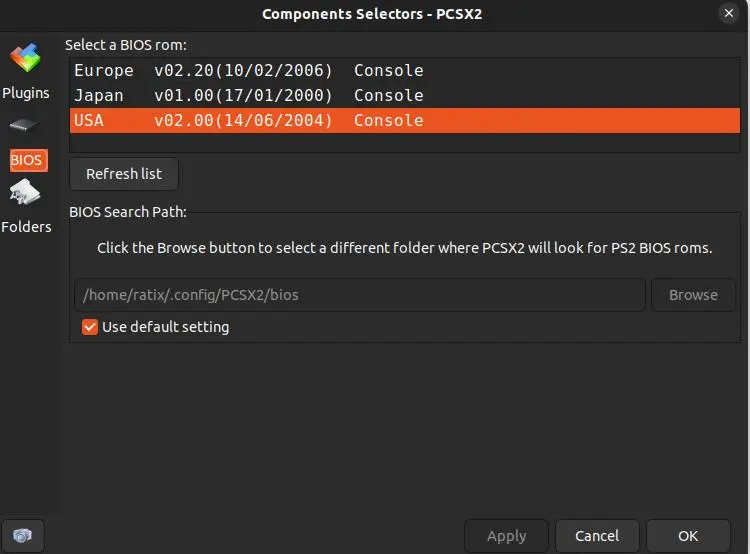
- Open PCSX2 and go to Settings → BIOS.
- Browse to the folder containing your BIOS file.
- Refresh the BIOS list, then select the detected USA v2.00 entry dated June 14, 2004.
- Close the settings window and choose System → Start BIOS.
The PS2 startup screen should appear, followed by the console menu with Browser and System Configuration. Reaching this menu confirms that PCSX2 can load the selected BIOS.
For the remaining configuration steps, follow the PCSX2 setup guide.
Why PCSX2 might not detect the BIOS
If your BIOS does not appear in PCSX2, check whether the file is extracted and whether the emulator is searching the folder where you saved it.
The file is still inside an archive
PCSX2 needs access to the extracted BIOS file. If scph-70012.bin is inside a ZIP, RAR, or 7z archive, extract it first.
On Windows, right-click a ZIP file and select Extract All. For RAR or 7z archives, use a compatible extraction tool such as 7-Zip. Open the extracted folder to locate the .bin file, then select its folder in PCSX2’s BIOS settings.
PCSX2 is checking a different folder
The BIOS file may be saved in Downloads while PCSX2 is searching another location. Open Settings → BIOS, check the selected folder, and browse to the folder containing scph-70012.bin.
If extraction created extra subfolders, select the folder directly containing the .bin file. Refresh the BIOS list, then select the detected entry.
Conclusion
The SCPH-70012 BIOS is associated with the United States PS2 Slim, with a commonly documented v2.00 revision dated June 14, 2004. Check the file’s exact size, detected region, and checksum to confirm this revision.
Once verified, select the BIOS folder in PCSX2 and boot to the PS2 menu. If the file does not appear, check that it is extracted and that PCSX2 is searching the correct folder.
Frequently asked questions
Is SCPH-70012 the BIOS version number?
SCPH-70012 is the PlayStation 2 console’s model number. The commonly documented BIOS associated with this model is version 2.00, dated June 14, 2004.
Does scph-70012.bin include PS2 games?
The file contains system firmware. Games are separate and must be loaded individually in your emulator.
Can I rename scph-70012.bin?
Renaming the file does not change its contents or checksum. Keep the .bin extension and use a descriptive name so you can identify it later.
Does the SCPH-70012 BIOS improve graphics or FPS?
Choosing this BIOS does not automatically improve graphics or frame rates. Performance depends mainly on your hardware, emulator settings, and the game’s compatibility.
Do I need SCPH-70012 specifically to use PCSX2?
PCSX2 supports multiple PS2 BIOS revisions. SCPH-70012 is one option; another supported BIOS can also work.