Best PS2 Emulators for Android to Play PlayStation 2 Games on Mobile
Playing PlayStation 2 games on an Android phone is possible with a compatible PS2 emulator. Apps such as NetherSX2, ARMSX2, AetherSX2, and Play! can run PS2 games directly on supported Android devices. For desktop gaming, PS2 emulators for PC provide another way to play PlayStation 2 games.
NetherSX2 is a practical starting point for most users. ARMSX2 is worth considering if you prefer an actively developed open-source emulator. AetherSX2 remains useful for existing installations, while Play! can run supported games without requiring a separate PS2 BIOS.
Performance depends on your phone’s processor, graphics hardware, emulator settings, and the game you’re playing.
Best PS2 emulators for Android: Quick comparison
The following table compares 4 PlayStation 2 emulators based on their main features, BIOS requirements, and suitability for Android gaming.
| PS2 emulator | Best for | PS2 BIOS required | Price |
|---|---|---|---|
| NetherSX2 | Established PS2 emulation | Yes | Free |
| ARMSX2 | Active open-source development | Yes | Free |
| AetherSX2 | Existing installations | Yes | Free |
| Play! | Playing without an external BIOS | No | Free |
All 4 support Android, although game compatibility and performance differ. NetherSX2 and AetherSX2 share the same underlying emulator family, while ARMSX2 and Play! have separate development approaches.
1. NetherSX2: Best established PS2 emulator for Android
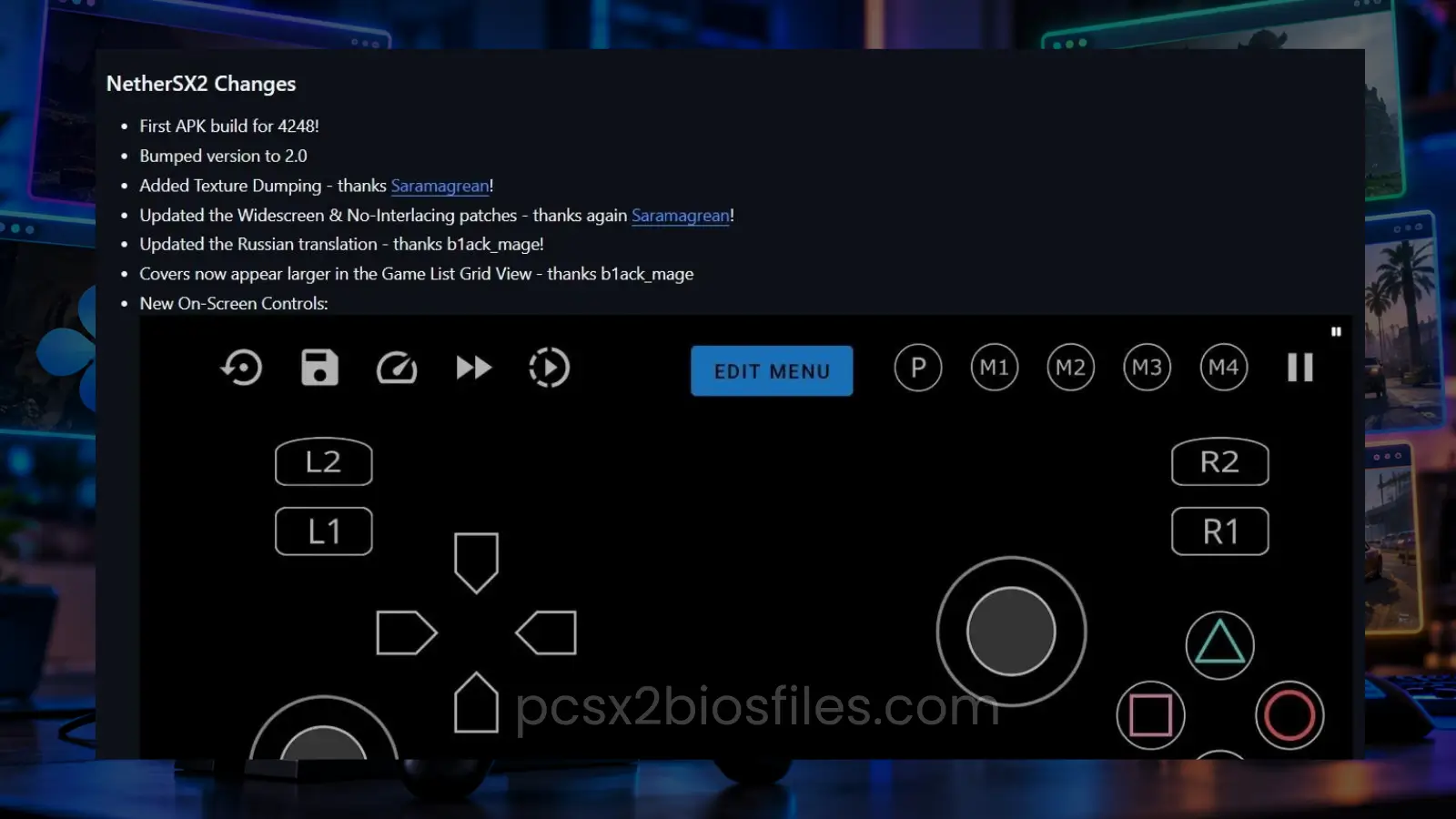
NetherSX2 is a community-maintained modification of AetherSX2 that allows Android users to play PlayStation 2 games with updated game configurations, controller support, and additional fixes.
It uses the established AetherSX2 codebase and supports graphics rendering through Vulkan and OpenGL. NetherSX2 is especially useful for users who want to play popular PS2 games while adjusting graphics, controls, and performance settings to suit their phones.
Key features
- Supports PS2 game files and virtual memory cards.
- Provides Vulkan and OpenGL graphics options.
- Supports touchscreen controls and compatible external controllers.
- Includes resolution scaling and individual game settings.
- Has updated game configuration files and widescreen patches.
- Supports save states and RetroAchievements.
NetherSX2 4248 vs NetherSX2 Classic 3668
There are 2 main NetherSX2 variants. NetherSX2 4248 is generally recommended for more powerful Android devices, particularly those with Adreno graphics. It includes newer game configuration updates and fixes.
NetherSX2 Classic 3668 may provide better performance on certain lower-powered devices and phones with Mali graphics. The developer recommends choosing the variant according to your device and the games you intend to play.
Limitations
NetherSX2 requires a PS2 BIOS file. It also needs a capable processor for demanding games.
Some games may display graphical errors or require individual settings. Save states from the 3668 and 4248 variants are incompatible, so use normal in-game memory card saves when switching between them.
2. ARMSX2: Best actively developed open-source PS2 emulator
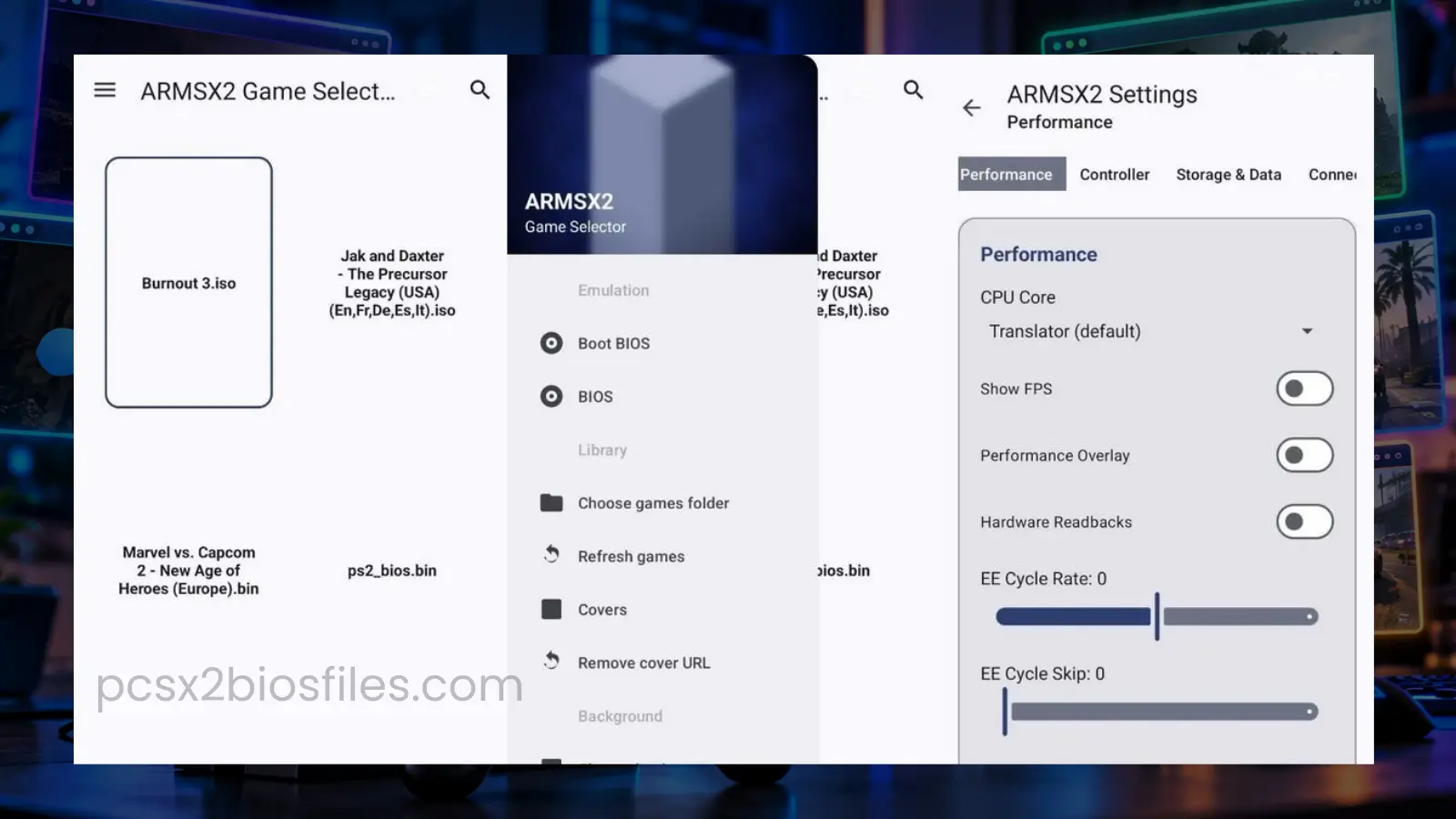
ARMSX2 is a free, open-source PlayStation 2 emulator developed for ARM64 devices, including Android smartphones and gaming handhelds.
It is based on the PCSX2 project and has been developed to support native ARM64 emulation. The project includes CPU recompilers and graphics rendering work intended to improve compatibility and performance on ARM devices.
Unlike older Android PS2 emulator projects that have stopped receiving updates, ARMSX2 has an active development repository with Android releases.
Key features
- Open-source development based on PCSX2.
- Supports ARM64 Android devices.
- Includes Vulkan graphics rendering.
- Supports PS2 BIOS files and game disc images.
- Provides touchscreen and controller configuration.
- Receives development builds with fixes and changes.
ARMSX2 is particularly interesting for users who want to follow new developments in Android PS2 emulation.
Limitations
Performance and compatibility can change between releases. Some games may perform better on NetherSX2, depending on the hardware and emulator version. The project also distributes experimental nightly builds. These may contain new fixes along with unresolved issues.
The official repository confirms that a BIOS dumped from a legitimately owned PlayStation 2 is required.
3. AetherSX2: Best legacy PS2 emulator for Android
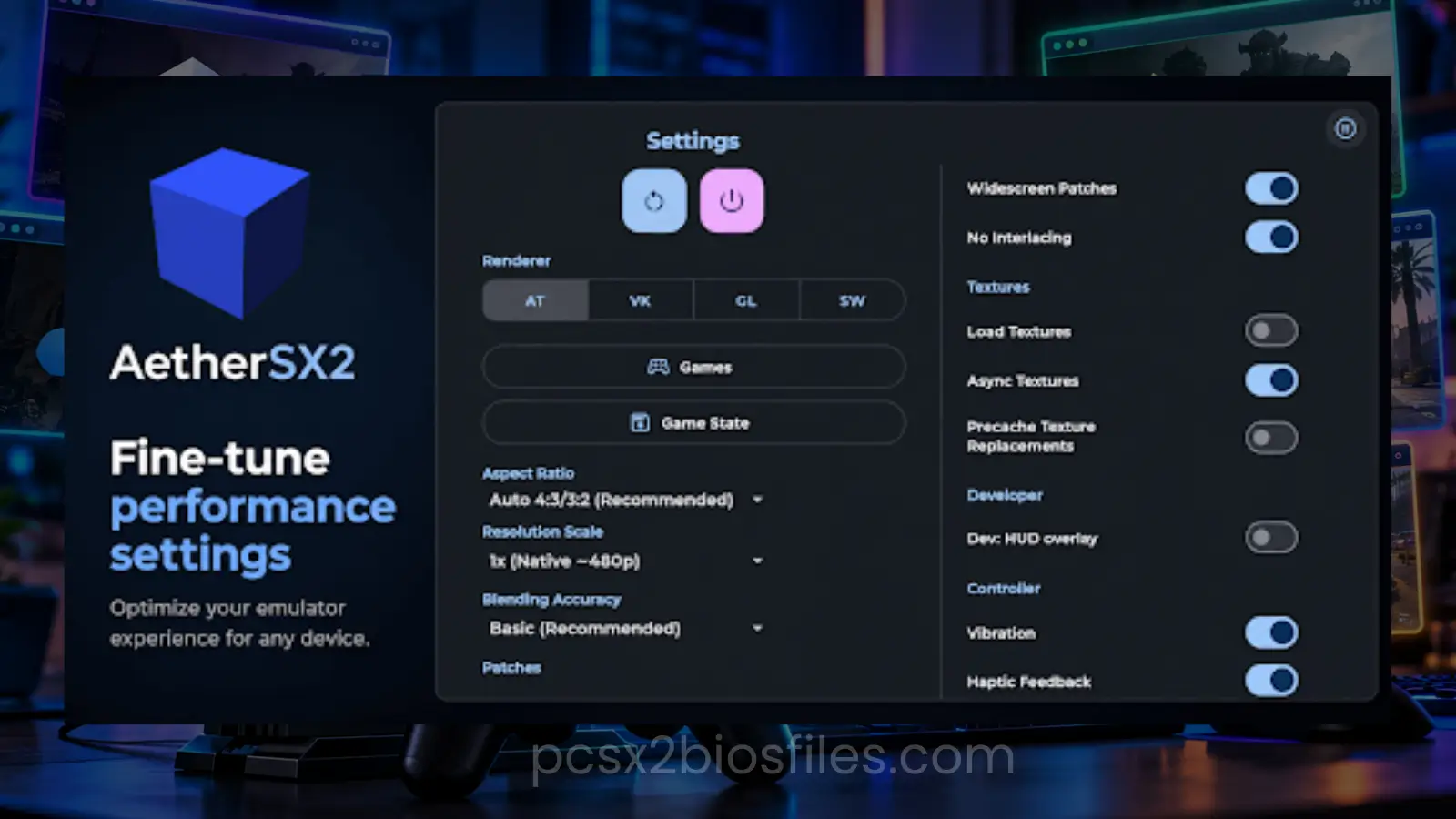
AetherSX2 is a PlayStation 2 emulator for Android that became popular for its game compatibility, graphics settings, and performance on suitable smartphones.
It was built using PCSX2 technology and provided Android users with features such as resolution scaling, controller support, memory cards, and save states.
AetherSX2 remains capable of running many PS2 titles, although its original development was suspended in 2023.
Key features
- Vulkan and OpenGL graphics support.
- Adjustable internal rendering resolution.
- Touchscreen controls and external gamepad support.
- Virtual memory cards and save states.
- Individual game settings.
- Support for PS2 game disc images.
Limitations
AetherSX2 no longer receives regular development from its original creator. Users may encounter compatibility issues that have been addressed in newer community projects.
Finding a trustworthy installer is another concern because numerous third-party websites distribute modified APK files. For a new installation, NetherSX2 is generally the more practical AetherSX2-based choice.
4. Play!: Best Android PS2 emulator without a BIOS
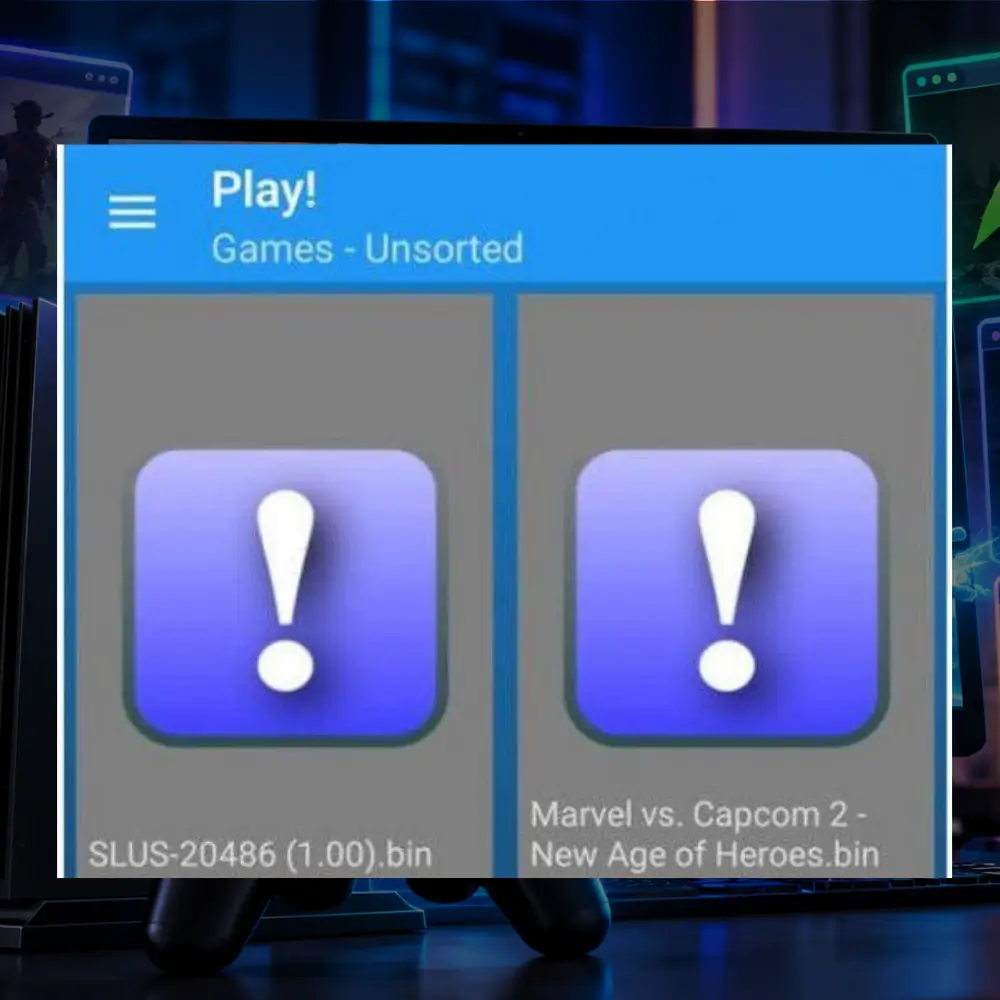
Play! is a free, open-source PlayStation 2 emulator available for Android, Windows, macOS, Linux, and other supported platforms.
One of its main differences is that it uses built-in high-level BIOS emulation. This means users can launch supported PS2 games without importing an external PS2 BIOS file. Play! has its own development project and compatibility tracker.
Key features
- Runs without an external PS2 BIOS.
- Supports Android smartphones and tablets.
- Open-source project.
- Supports PS2 game disc images.
- Provides a compatibility tracker for supported games.
Limitations
Play! has more limited game compatibility than the established AetherSX2-based options. Some games may fail to start, display incorrect graphics, or run slowly.
The developer warns that the emulator is still under development and may not work with every game. Play! is worth trying if you want a BIOS-free emulator or if a specific game is reported as compatible.
Which PS2 emulator should you choose for Android?
The best option depends on your phone and the games you want to play.
| Your requirement | Recommended emulator |
|---|---|
| General PS2 gaming on Android | NetherSX2 |
| Powerful phone with Adreno graphics | NetherSX2 4248 |
| Some lower-powered or Mali-based devices | NetherSX2 Classic 3668 |
| Actively developed open-source project | ARMSX2 |
| Existing AetherSX2 installation | AetherSX2 |
| Emulator without external BIOS | Play! |
Start with the emulator that best matches your device. If a particular game performs poorly, comparing another emulator or build may help.
Android phone requirements for PS2 emulation
PS2 emulation can place a significant load on a smartphone’s processor and graphics hardware.
A modern 64-bit Android device with a capable CPU and GPU is preferable. Phones with stronger Snapdragon processors and Adreno graphics are often suitable candidates, although individual game performance still varies.
These are practical hardware guidelines rather than official minimum requirements shared by every emulator.
| Component | Practical starting point | Better experience |
|---|---|---|
| Processor | Capable 64-bit ARM CPU | Recent upper-midrange or flagship CPU |
| RAM | 4 GB | 8 GB or more |
| Graphics | Compatible Vulkan or OpenGL GPU | Modern GPU with reliable drivers |
| Storage | Space for emulator and game files | 10 GB or more free for a small game library |
| Controls | Touchscreen | Bluetooth or USB gamepad |
| Cooling | Normal phone cooling | Good thermal performance during long sessions |
Some less demanding titles may run acceptably on modest hardware. Games with complex graphics and large environments generally require more processing power.
Best PS2 emulator settings for Android
Changing a few settings can improve game performance without making the emulator unstable.
1. Start with native resolution
Native resolution is a sensible starting point for most Android phones. Higher rendering resolutions increase GPU workload. If a game becomes slow after increasing the resolution, return to 1x before changing other settings.
2. Compare Vulkan and OpenGL
Vulkan can improve performance in many games on supported devices. OpenGL may work better when a game has graphical problems with Vulkan, particularly on certain GPU drivers.
For NetherSX2, the developer recommends testing Vulkan with the default safe settings before making more advanced changes.
3. Use the default emulation settings
Emulation speed adjustments, cycle skipping, and aggressive performance hacks can introduce timing problems or graphical errors.
Keep the default settings when testing a game for the first time. Change advanced options only when you have identified a specific issue.
4. Use per-game settings
Some PS2 games need different rendering or emulation settings. If your emulator supports individual game profiles, save changes for that game rather than applying them to your entire library.
5. Watch for overheating
Long gaming sessions can increase your phone’s temperature. When a device becomes too hot, it may reduce CPU or GPU speeds to control heat. This can cause stuttering even if a game runs smoothly when first launched.
Reducing the rendering resolution and avoiding prolonged charging during demanding games may help.
Common PS2 emulator problems on Android
| Problem | Possible cause | What to try |
|---|---|---|
| Game runs slowly | Hardware limitations or high resolution | Lower resolution to 1x |
| Black screen | Invalid game image or compatibility issue | Verify game dump and try another renderer |
| Missing textures | Graphics renderer issue | Switch between Vulkan and OpenGL |
| Emulator crashes | Driver issue, settings, or emulator bug | Restore default settings and check for an update |
| BIOS not detected | Incorrect or unsupported BIOS file | Verify the BIOS dump and import it again |
| Controller not responding | Incorrect button mapping | Reconfigure controller settings |
| Games missing from library | Wrong directory or unsupported format | Select the correct game folder and check file format |
If one title fails, test another game before reinstalling the emulator. This can help determine whether the problem affects the whole application or a particular game.
Can you play popular PS2 games on Android?
Many popular PlayStation 2 titles are candidates for Android emulation, including:
- Grand Theft Auto: San Andreas
- God of War II
- Tekken 5
- Dragon Ball Z: Budokai Tenkaichi 3
- Final Fantasy X
- Need for Speed: Most Wanted
- Metal Gear Solid 3: Snake Eater
Actual compatibility varies by emulator version, device, and game release. Demanding games such as God of War II and Metal Gear Solid 3 may require a powerful phone or particular configuration changes for acceptable performance.
If you’re choosing games for your collection, see our guide to the best PS2 games
Frequently asked questions
What is the best PS2 emulator for Android in 2026?
NetherSX2 is a practical choice for most Android users because it builds on AetherSX2 and includes community updates. ARMSX2 is another option for users interested in active open-source development.
Is there a free PS2 emulator for Android?
Yes. NetherSX2, ARMSX2, AetherSX2, and Play! are available without an emulator purchase fee. You still need compatible game files, and most options require a PS2 BIOS.
Can Android run PS2 games without a BIOS?
Yes. Play! uses built-in high-level BIOS emulation and can run compatible PS2 games without an external BIOS file. Game support and performance are more limited than with some alternatives.
Can I use a Bluetooth controller with an Android PS2 emulator?
Yes. Many Android PS2 emulators support compatible Bluetooth controllers, including common Xbox and PlayStation gamepads. Button mapping may need adjustment.
Can low-end Android phones run PS2 games?
Some lighter PS2 games may run on lower-powered phones, but performance depends on the CPU, GPU, and emulator. NetherSX2 Classic 3668 may be worth testing on weaker or Mali-based devices.
Final recommendation
NetherSX2 is a sensible starting point for Android users who want established PS2 emulation with updated community support. Choose the 4248 variant for capable devices or test Classic 3668 if your phone uses Mali graphics or struggles with particular games.
ARMSX2 is a promising open-source option with ongoing development. Play! is suitable when you want to try supported PS2 games without importing a BIOS.
For the best results, use a trustworthy emulator download, prepare valid game files, start with native resolution, and adjust settings for each game when necessary.