Which PS2 BIOS to Use? Best Version for PCSX2 and Android
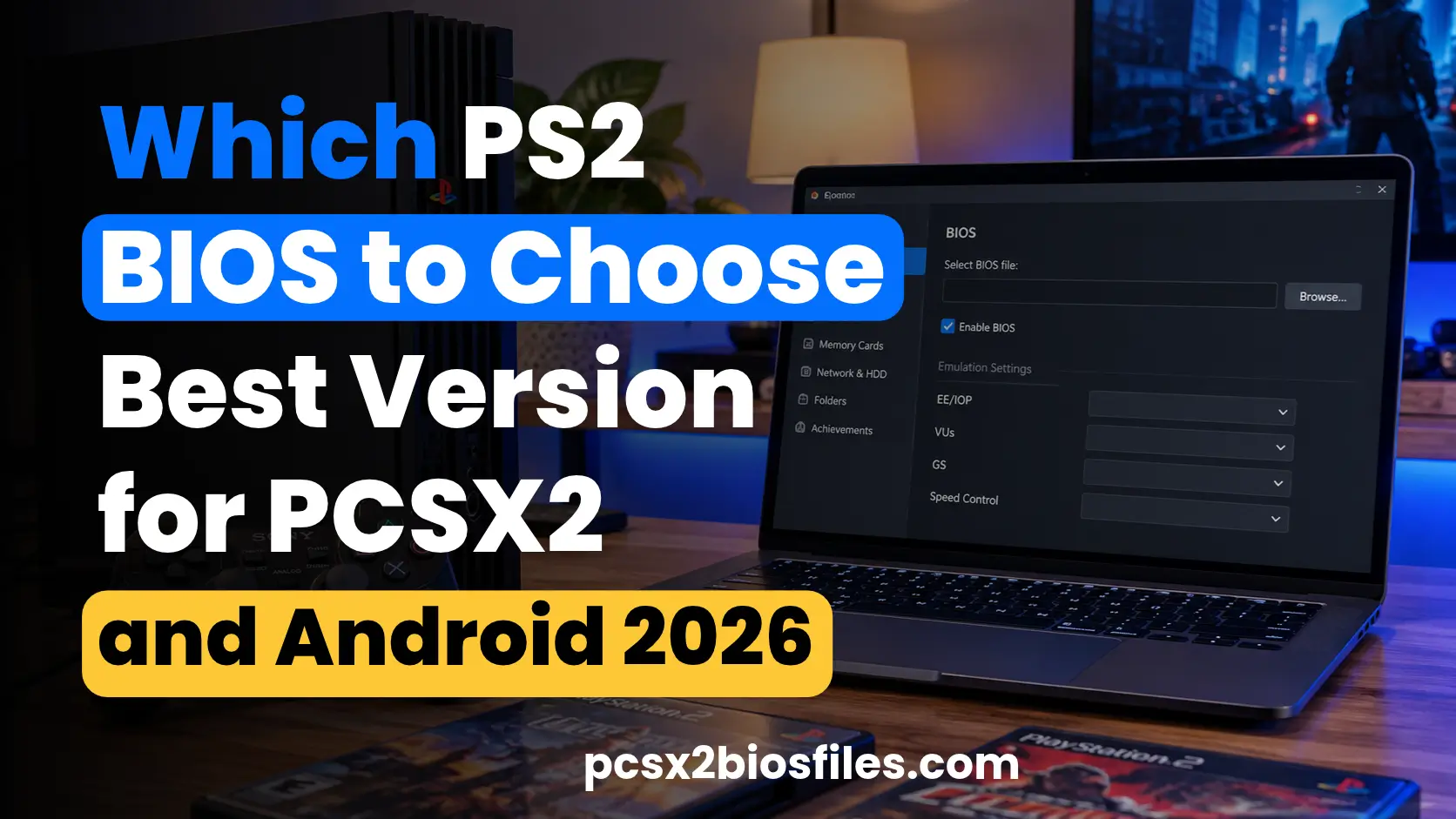
The best PS2 BIOS to use is a valid, complete BIOS dump from your own PlayStation 2 that your chosen emulator supports. You do not need the newest BIOS version or a specific SCPH model to get the best performance in every game. The right choice depends on your emulator, the BIOS files available, and any compatibility issue you need to solve.
PCSX2 supports BIOS files from multiple regions, while Android emulators and RetroArch may have different requirements. Before changing your current setup, check whether your emulator detects the BIOS and whether your games run correctly.
This guide explains how to choose a suitable PS2 BIOS, understand its version and region, and troubleshoot common problems without replacing a working setup unnecessarily.
Quick Answer: Which PS2 BIOS Should You Use?
For most users, a valid BIOS dump that their emulator recognizes is the best starting point. You should not choose a BIOS simply because its version number is higher or its console model is newer. Instead, consider your emulator’s requirements, the BIOS region, and any specific compatibility issue affecting your games.
| Use Case | BIOS Selection Guidance | Important Consideration |
|---|---|---|
| PCSX2 on Windows, macOS, or Linux | Use a supported BIOS dumped from your own PS2 | Follow the current PCSX2 setup guide |
| Android PS2 emulation | Use a valid BIOS supported by your emulator | Check the app’s file requirements |
| RetroArch | Follow the documentation for your installed PS2 core | BIOS directories and requirements can differ |
| Games from different regions | Keep compatible regional BIOS files available if needed | A regional match is not always required |
| Multiple BIOS files | Select a valid, detected BIOS | Do not assume the newest revision is best |
| BIOS troubleshooting | Check file integrity, directory settings, and detection | A startup error does not always indicate a BIOS problem |
PCSX2 requires a BIOS dump from an original PlayStation 2. The project does not provide a proprietary BIOS as part of its open-source emulator. If you already have a valid BIOS that works correctly, there is usually no reason to replace it just to obtain a higher version number.
What Is a PS2 BIOS and Why Does It Matter?
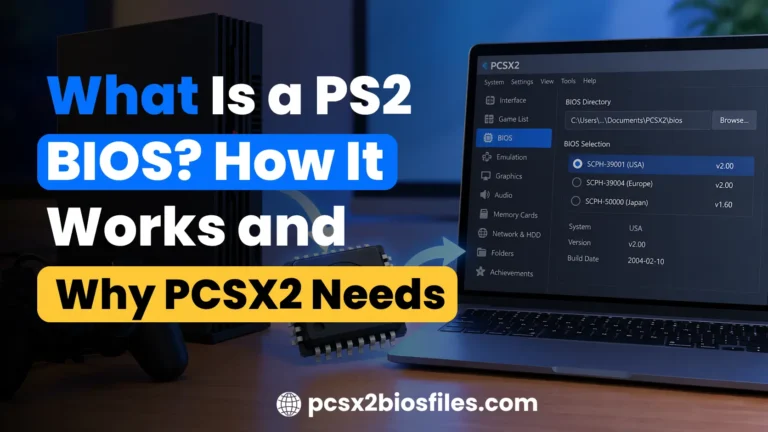
A PS2 BIOS is the system firmware built into the PlayStation 2. It helps initialize the console, manage system functions, and prepare the environment in which games run. An emulator recreates the console’s hardware through software, but it may still require the original system firmware to provide essential functions. This is why a compatible BIOS is an important part of configuring many PS2 emulators.
A BIOS is different from a game ISO, which contains data copied from a game disc. The emulator reproduces the console’s hardware, while the BIOS supplies the required system firmware. A virtual memory card, meanwhile, stores saved game progress rather than performing either of those functions. Understanding these differences helps you identify whether a problem relates to the BIOS, the game image, or the emulator itself.
Understanding PS2 BIOS Versions
PS2 BIOS files differ by firmware revision, region, and console model. Their version numbers help identify the firmware, but they do not provide a universal ranking of emulation quality. A higher number does not automatically mean better compatibility, faster gameplay, or fewer crashes. You should compare revisions only when you have reliable information about a relevant technical difference.
BIOS v1.60
BIOS v1.60 is a revision encountered in PS2 firmware discussions and collections. Its exact characteristics depend on the regional firmware and console configuration, so the revision number alone does not tell you everything about the file. There is no reliable basis for declaring every v1.60 BIOS inferior to every later revision for emulation.
BIOS v1.70
BIOS v1.70 is another revision encountered in PS2 BIOS collections. However, its version number alone does not establish which games it supports better or how it compares with every other revision. Avoid relying on general claims that a newer firmware version must produce better results.
BIOS v1.90
BIOS v1.90 appears in discussions of later PS2 firmware revisions. However, the revision number alone does not establish a measurable compatibility or performance advantage. Filenames and version labels are not enough to prove that one BIOS will work better than another in every situation.
BIOS v2.00
BIOS v2.00 is associated with later firmware revisions, but it is not automatically the best option for every emulator or game. A valid v2.00 dump can be suitable when your emulator supports it, but the version number does not guarantee higher FPS or universal compatibility. You should also avoid assuming that every file labelled v2.00 contains identical firmware characteristics.
Popular PS2 BIOS Models by SCPH Number
Sony used SCPH numbers to identify different PlayStation 2 hardware models. These model numbers can help identify a console’s market and hardware generation, but they do not prove that its BIOS will perform better in an emulator.
| PS2 Model | Regional Association | What to Know |
|---|---|---|
| SCPH-70012 | North America | Slim PS2 model associated with the US market |
| SCPH-90004 | Europe | Later Slim model associated with the European market |
| SCPH-10000 | Japan | Early Japanese PS2 model |
| SCPH-39001 | North America | Fat PS2 model |
| SCPH-50004 | Europe | Fat PS2 model |
SCPH-70012 (USA)
The SCPH-70012 is a North American Slim PlayStation 2 model. A BIOS dump from this console represents the firmware used by that hardware and market. It can be a suitable option for PCSX2 when the dump is valid and supported by the emulator.
SCPH-90004 (Europe)
The SCPH-90004 is a European-market Slim PS2 model. Its BIOS may be relevant if you want to reproduce the original system environment of a European console. The exact firmware revision still matters when identifying the dump and determining whether your emulator recognizes it.
SCPH-10000 (Japan)
The SCPH-10000 is an early Japanese PS2 model. Its BIOS may be useful when examining early console firmware or reproducing its original system environment. However, an early model is not automatically the best choice for modern emulation.
SCPH-39001 and SCPH-50004
The SCPH-39001 is a North American Fat PS2 model, while the SCPH-50004 is a European Fat PS2 model. Both can be relevant when choosing a BIOS for an emulator that supports their firmware. Their different model numbers and regional associations do not establish a universal winner.
PS2 BIOS Regions Explained
PS2 BIOS files are commonly identified by their regional origin. Region labels help distinguish firmware intended for different console markets, but they do not describe every aspect of emulator compatibility. Understanding these labels can help you choose a suitable BIOS and investigate regional game behavior.
NTSC-U, NTSC-J, and PAL
The three commonly discussed regional categories are NTSC-U, NTSC-J, and PAL. NTSC-U/C is associated with North American releases, including the United States and Canada, while NTSC-J is associated with Japanese releases. PAL is commonly associated with European, Australian, and other PAL-market releases.
These labels help identify the regional origin of a BIOS or game release. However, they do not guarantee that a particular game will run correctly or that its frame rate will improve. Regional game releases can use different video modes and timing, and changing the BIOS alone does not convert one release into another.
For a broader explanation of regional firmware and model differences, read Types of PS2 BIOS.
Does the BIOS Region Need to Match the Game?
No, the BIOS region does not always need to match the game’s region when using a PS2 emulator. PCSX2 supports games from multiple regions, and its setup process allows users to select from detected BIOS files. Other emulators may handle regional differences differently, so the exact behavior depends on the software you use.
A matching region can be useful when reproducing the original console environment or investigating region-specific behavior. However, you should not replace a working BIOS solely because its region differs from your game. If a game fails to start, check its compatibility information and your emulator’s configuration before assuming the regional mismatch is responsible.
Can PS2 Emulators Bypass Region Locking?
Some PS2 emulators can run games across regions without applying the original console’s region restrictions in the same way. However, this behavior is not identical across every emulator and core. You should check the relevant documentation before assuming that a particular configuration bypasses all regional restrictions.
For example, RetroArch’s LRPS2 documentation states that the core does not implement region locking when Fast Boot is enabled. This is a core-specific behavior, not a rule that applies to every PS2 emulator. If a game has a region-related problem, investigate the settings supported by your installed emulator.
Which PS2 BIOS Should You Choose?
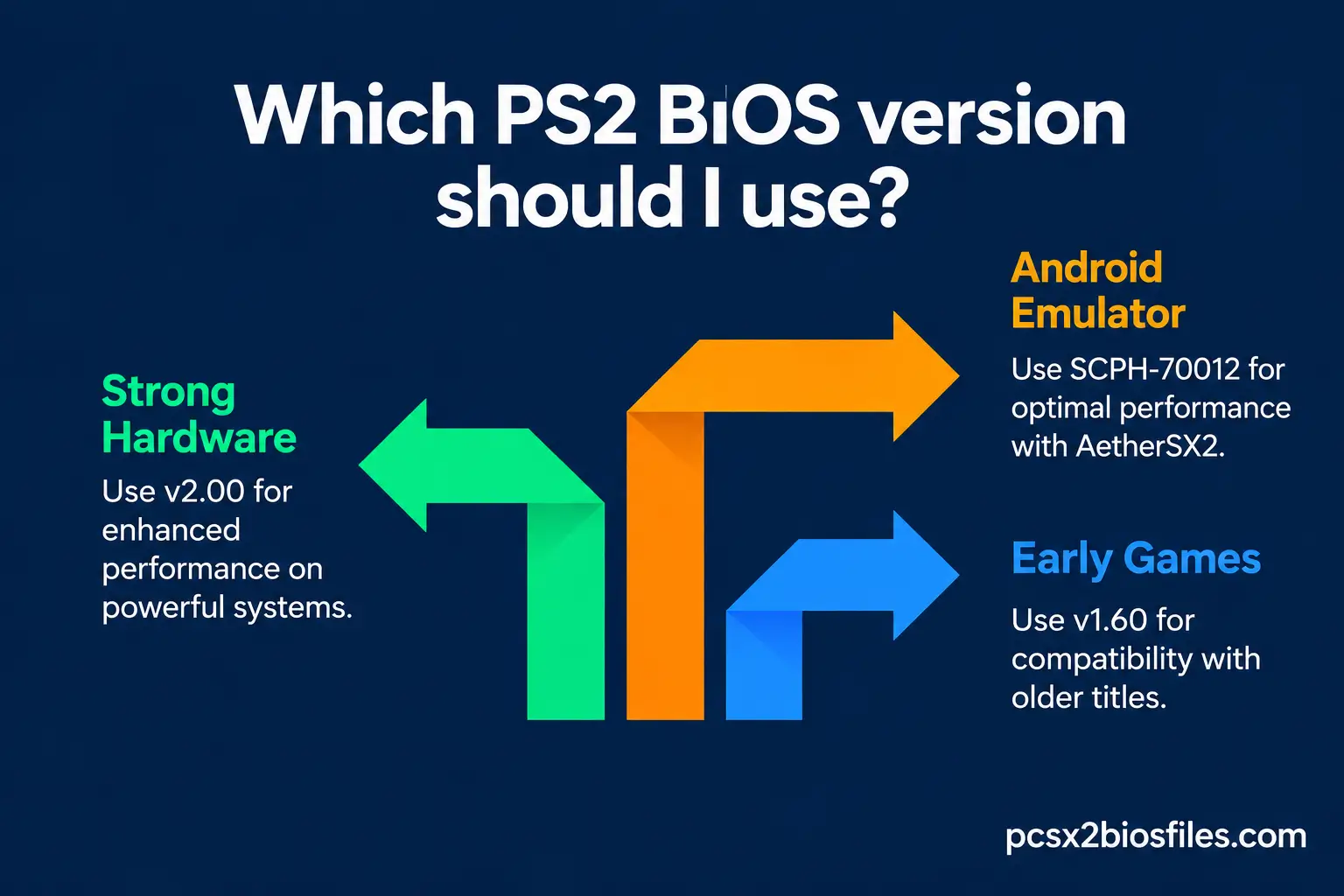
Choosing a PS2 BIOS becomes easier when you consider your game library, emulator requirements, and existing files in that order. You do not need to compare every firmware revision or console model before getting started. Begin with a valid BIOS that your emulator supports, then investigate other options only when necessary.
Choose Based on Your Game Library
Your game library can help you decide which BIOS files to keep available. If you mainly play North American games, a valid North American BIOS is a reasonable starting point. If you play European or Japanese releases, consider keeping a compatible regional BIOS available for testing when needed.
Choose Based on Your Emulator
Different emulators and cores have different requirements, so you should check their documentation before selecting a BIOS. PCSX2, Android PS2 emulators, and RetroArch do not necessarily share the same setup process or directory structure. A BIOS that works in one configuration should not automatically be assumed to work in every other configuration.
Choose Based on Your Existing BIOS Files
If you already have several BIOS files, inspect them before replacing anything. Check that each dump is complete, identify its region and revision, and confirm that your emulator detects it. You should also verify that the files are stored in the correct directory and meet the emulator’s documented requirements.
If your current BIOS works correctly, keep it unless you have a specific reason to change. Test another valid dump only when you encounter a compatibility issue or need to meet a documented requirement. If you need help preparing your own BIOS dump, follow How to Get a PS2 BIOS for PCSX2.
Best PS2 BIOS for Different Emulators
The best BIOS choice depends on the emulator you use, because each application may have different requirements for file detection, directory structure, and configuration.
Best PS2 BIOS for PCSX2 (Windows, macOS, and Linux)
For PCSX2, choose a valid BIOS dump from your own PlayStation 2 that the current version of the emulator recognizes. You do not need a particular SCPH model simply to achieve good performance. PCSX2 supports BIOS files from multiple regions, so your choice should reflect the emulator’s requirements and any compatibility issue you need to solve.
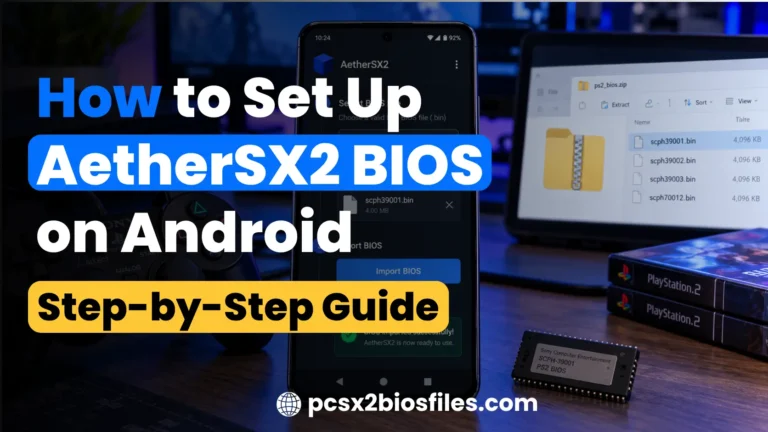
Best PS2 BIOS for AetherSX2 and Android
For Android PS2 emulation, use a valid BIOS dump that your chosen emulator supports. AetherSX2 is an older PS2 emulator project, so do not assume that it receives ongoing official maintenance. Related projects, including NetherSX2, have different distribution and maintenance arrangements, and you should check the current documentation for the specific app you use.
Best PS2 BIOS for RetroArch
RetroArch uses emulator cores, and the required BIOS configuration depends on which PS2 core you install. For the LRPS2 core, the official Libretro documentation provides specific BIOS requirements and directory instructions. It also explains that the core does not find BIOS files inside compressed archives, so the files must be prepared in the required format.
To configure the BIOS for LRPS2, first check the system directory under Settings > Directory > System/BIOS. Open that directory and follow the core’s documented folder structure. The documented path uses a lowercase pcsx2 directory containing a bios subdirectory.
retroarch/
└── system/
    └── pcsx2/
        └── bios/
            └── your-bios-files
Does the PS2 BIOS Affect FPS and Emulator Performance?
A higher BIOS version number does not automatically increase FPS. Emulator performance depends on several factors, including the game, your hardware, the emulator version, and your configuration. Changing the BIOS may be relevant when investigating a specific compatibility issue, but it should not be treated as a general performance upgrade.
Does a Newer BIOS Increase FPS?
There is no established universal FPS advantage for BIOS v2.00 over v1.90, v1.70, or v1.60. A different firmware revision may matter when investigating a documented compatibility issue, but that does not mean changing the BIOS will improve frame rates across your game library. You should avoid choosing a BIOS solely because its version number is higher.
Which Games Work Best on Each BIOS Version
| Game Type | Recommended BIOS Version | Region |
|---|---|---|
| Early launch titles (2000 to 2002) | v1.60 or v1.70 | Match to game region |
| Mid-era RPGs and action games | v1.90 | NTSC-U or NTSC-J |
| Late-era titles (2005 onward) | v2.00 | NTSC-U or PAL |
| Japanese exclusives | v1.60 to v1.90 | NTSC-J |
| PAL exclusives | v1.90 or v2.00 | PAL |
Frequently Asked Questions
Which PS2 BIOS Is Best for PCSX2?
A valid BIOS dump from your own PS2 that PCSX2 recognizes is the best starting point. There is no single revision or console model that guarantees the best results for every game. Follow the official setup instructions and investigate a different BIOS only when necessary.
Which PS2 BIOS Is Best for AetherSX2?
Use a valid BIOS dump supported by your installed version of AetherSX2. Check the app’s configuration and documentation for file requirements instead of assuming that a particular revision is universally superior. Also verify the current maintenance status of the specific emulator you use.
Can I Use Any PS2 BIOS With Any Game?
Not necessarily. BIOS support and region handling depend on the emulator, and some configurations or games may have specific compatibility requirements. Many games can run with a BIOS from another region, but you should consult the relevant emulator and game documentation when problems occur.
Does the BIOS Version Affect Game Performance?
A BIOS revision does not automatically improve FPS. Hardware, rendering settings, emulator versions, and game-specific compatibility issues are important factors in performance. Change the BIOS only when you have a documented reason to investigate a different revision.
Can I Use Multiple PS2 BIOS Files in One Emulator?
Yes, if the emulator supports multiple BIOS files. PCSX2 and RetroArch’s LRPS2 core provide ways to work with detected BIOS files, although their selection and configuration processes differ. Follow the documentation for your specific emulator or core.
Can I Change the BIOS in My Emulator Later?
Yes, supported emulators generally allow you to change the selected BIOS through their settings. The exact procedure depends on the emulator and version. Before making changes, confirm that the alternative BIOS is valid and supported.
Which PS2 BIOS Is Better for Low-End Systems?
There is no universally best BIOS for low-end systems. Choose a valid, supported BIOS and focus on hardware limitations, internal resolution, and appropriate emulator settings. A higher BIOS version number does not automatically improve performance on weaker hardware.
Can Emulators Bypass PS2 Region Locking?
Some emulators can bypass original console region restrictions under particular conditions. For example, RetroArch’s LRPS2 core documents region-locking behavior when Fast Boot is enabled. Check the documentation for your specific emulator before assuming that it handles regional restrictions in the same way.
Final Thoughts
The best PS2 BIOS is a valid, supported dump that works correctly with your emulator. Start with the BIOS you already have, confirm that the emulator detects it, and consider its region or revision only when those details matter to your setup. You do not need to choose the highest version number or a particular SCPH model simply to get good emulation performance.
If a game fails to start, investigate the BIOS, game image, and emulator settings before replacing working firmware. Consult the official PCSX2 BIOS guide and the documentation for your chosen emulator when you need setup help. Use BIOS and game files in accordance with applicable copyright laws.